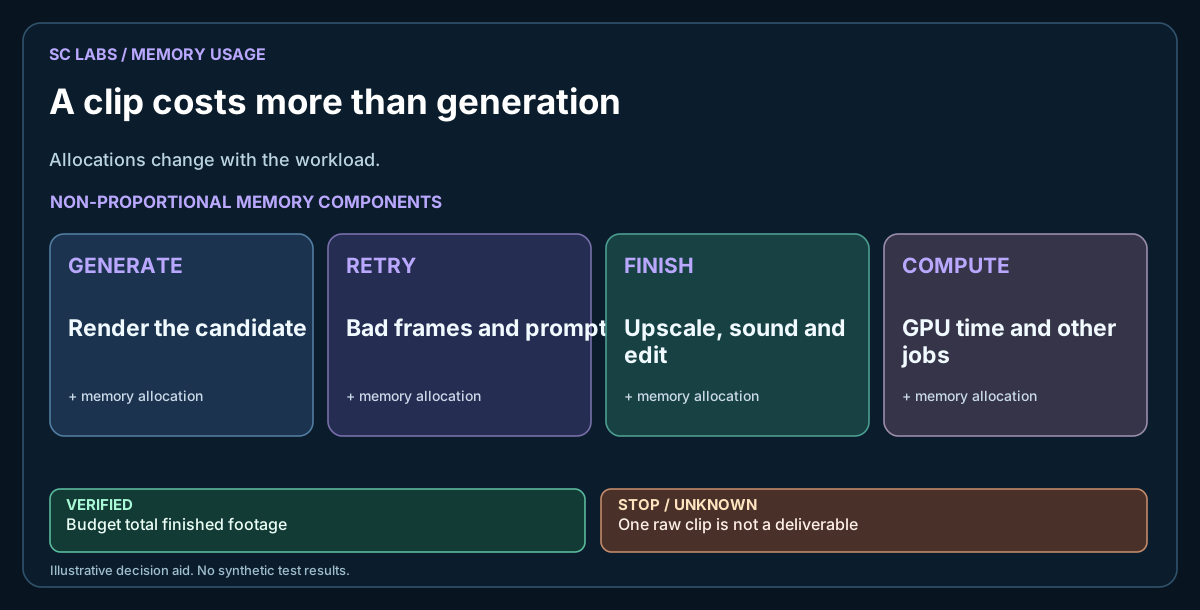
A fifteen-second clip looks modest until you render one locally. Suddenly resolution, frame rate, temporal consistency, GPU memory and post-production become real costs. The download page rarely tells that part of the story.
Our recent local video experiments were a useful reminder: getting a model to return frames does not automatically produce an advert somebody would pay for. The early outputs did not meet our quality target, and the process consumed resources that other work needed.
The same principle applies to other SC LABS experiments: Agent Lab distinguishes retained engineering evidence from claims of a product being ready to use.
The ARKTOR overview explains our local-first approach to execution and resource control; the video experiments are still research, not a released feature.
Decide what 'finished' means
A social clip may need legible objects, steady motion, continuity between shots, clean transitions and export at the customer's required size. A technical proof can pass while the commercial result fails.
Write two acceptance lists. The first covers the engine: model loads, job completes, output decodes and duration is correct. The second covers the finished clip: quality, artefacts, story and usability.
Keep them separate. One passing list cannot stand in for the other.
Calculate the entire job, not one generated segment
Count prompt preparation, frame generation, failed attempts, upscaling, temporal correction, trimming, captions, audio and final encoding. If a supposedly short clip takes repeated overnight attempts, that belongs in the cost record.
Test at a modest resolution before committing the GPU to the full run. A successful low-resolution experiment only proves that lower-resolution configuration.
When rendering jobs compete for one GPU, use a shared-GPU scheduling plan to protect other work.
For image and video output alike, distinguish runtime throughput from actual prompt faithfulness, as explained in the local image A/B guide.
Watch what happens to the rest of the workstation
Video generation can occupy the GPU for hours. Other local image and language tasks may then fail or fall back to slower resources. Before launching a long batch, record running GPU jobs, free memory and which other projects share the machine.
Use a bounded job queue, explicit cancel rules and a record of which process belongs to which project. Do not assume every GPU-heavy process is safe to terminate. The aim is predictable scheduling, not maximum utilisation at any price.
Plan for finishing work
An edit pass, overlays, sound and a conventional video editor can rescue a simple concept. They cannot reliably repair a character or object that changes shape from frame to frame. Keep the source clips and record what a human had to fix.
For marketing deliverables, judge the exported clip at the real target resolution on a phone and desktop. Do not approve it from a thumbnail.
What we would test before building a product
Use one repeatable brief, several seeds, fixed runtime settings and a documented reviewer rubric. Preserve the best and worst examples. Add a maximum retry count and a stop condition for clips that are beyond repair.
Local rendering may still make sense when privacy, ownership or recurring volume matter more than instant turnaround. Just be clear about the trade.
Related: Choosing Local or Frontier AI for Real Work · SC Agent Lab.
Editorial note: our recent internal clips do not establish an externally validated model ranking or commercial production readiness.