Example scenario
A family member, technician or small business needs help on a Windows PC that still boots but is old, remote, underpowered or simply not intended to host a large AI model. They want assistance with inspection, files or a bounded technical task without leaving permanent remote-management software behind after the session.
What matters
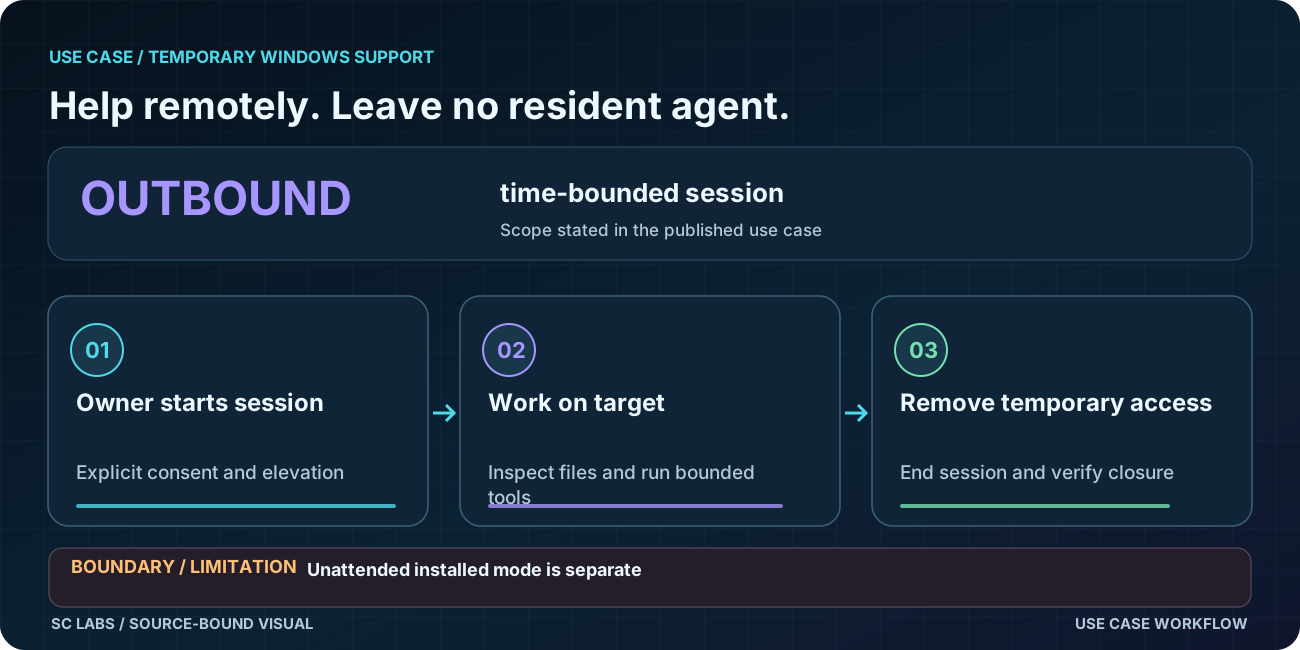
The target should stay understandable. The user should know when the session starts, elevation should appear only when the requested action needs it, and closing the portable application should end remote access by default. The endpoint also should not need the GPU or RAM required to run the strongest model itself.
How ARKTOR Go fits
ARKTOR Go can use a strong local AI host in the user's own network or supported frontier AI. The target Windows PC remains the endpoint. The current product direction uses an outbound session model and no permanent target service by default.
Evidence basis
On 17 August 2026, the retained external Windows x64 E2E verified an online, owner-bound and elevated session through ARKTOR Link. Remote system information, file listing, file reading and harmless process execution completed successfully on the external target. The engineering record is preserved in We Connected an AI to Another Windows PC.
Current physical follow-up — 25 September 2026: a removable-media ARKTOR Go Rescue session on a physical Windows PC survived reboot while the medium remained attached, restored the same endpoint identity and went offline when the medium was deliberately removed. That physical-key behaviour is now an accepted design direction for temporary support; permanent unattended use remains a separate installed mode.
What this does not prove
The retained E2E does not make the current build a finished public release. Fresh clean-PC release verification, production code signing, public one-click onboarding and release-soak validation remain separate gates. It also does not claim universal compatibility with every Windows machine.
Keep the result as a playbook
After a successful support session, retain the recognised symptoms, first read-only checks, shortest verified path, proof of completion and mandatory cleanup. See How to Turn Completed AI Work Into a Reusable Playbook.
Learn the trade-offs
Portable & Remote AI Assistance on Windows explains the permission, persistence and connectivity choices behind a temporary support path.
Relevant product
ARKTOR Go is the ARKTOR family path for using local or supported frontier intelligence on Windows endpoints without requiring the endpoint to host the large model itself.
Need bounded help on another PC?
Start with the target environment and who controls the connection. A pilot starts with a scoped conversation, not a promise of public product availability.
Discuss a scoped ARKTOR pilot