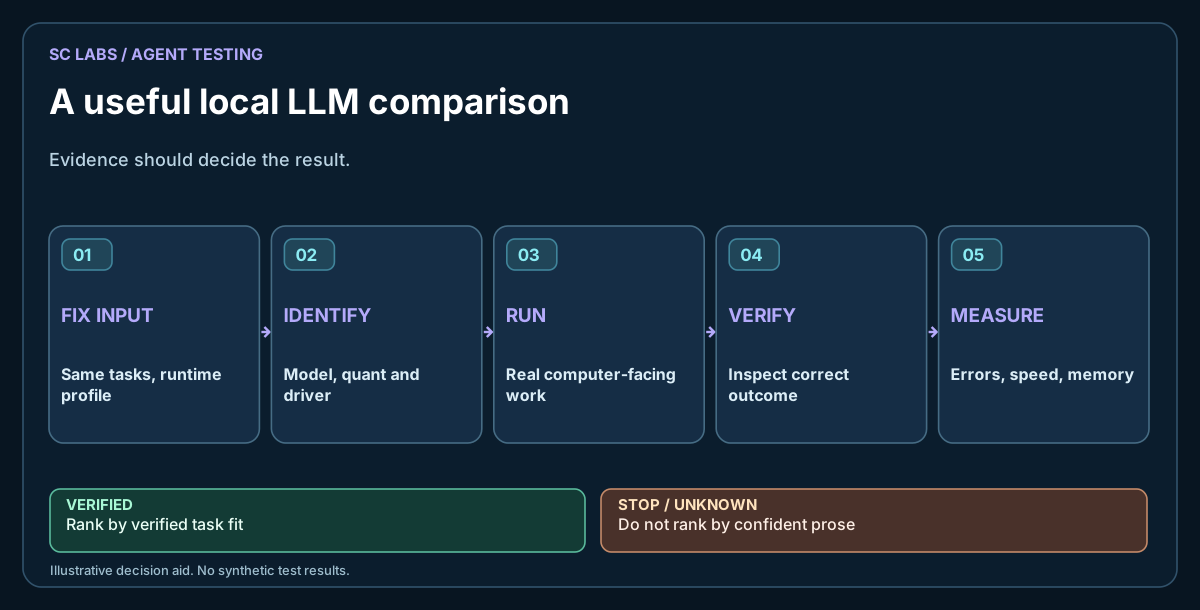
It is easy to make a favourite model win. Give it a friendlier prompt, use a warmer cache, allow another retry, or let the test writer decide whether an ambiguous answer deserves a pass. None of these choices has to be deliberate to distort a result.
A useful comparison starts by making the test boring.
A practical comparison becomes more valuable when the results are saved with the artefacts. SC Agent Lab collects examples of the verification approach used across SC LABS projects.
The wider ARKTOR approach keeps the local model replaceable, with permissions and execution checked independently of its preferred prompt style.
Freeze the work before loading the models
Choose a small set of tasks from the work you actually do. We use categories such as extracting structured facts, interpreting a technical request, deciding which tool to call, respecting a refusal boundary and recovering from a failed tool response.
Store the prompt, supporting files, expected output and scoring rules as versioned fixtures. Do not improve a prompt halfway through the comparison. If you discover a better test, publish it as a new version and rerun all candidates.
Record the entire inference setup
At minimum capture:
| Setting | Why it belongs in the report |
|---|---|
| Exact model identifier and weight file | Similar names can conceal different checkpoints |
| Quantisation | Memory use and behaviour may change |
| Runtime and version | Parsing, caching and kernels affect outcomes |
| Context size | A truncated prompt can invalidate the test |
| Sampling parameters | Temperature, seed and repetition settings affect variance |
| Hardware and offload | A speed comparison is otherwise meaningless |
| Tool schema and prompt template | Models may require different message conventions |
Different native tool conventions may need an adapter. That adapter should translate the interface, not quietly give one contestant extra instructions.
Start with model-specific operating profiles when prompt length affects correctness.
The survival test gives an example of why task completion must be scored independently from token speed.
Score behaviour, not confidence
Treat a correct answer, a partial answer, a false claim and a safe incomplete answer differently. For automation work, a refusal to invent missing evidence may be the better response.
Use deterministic checking wherever possible: JSON parsing, exact file contents, unit tests, validated URLs or independent read-back. Reserve human review for things a machine cannot grade reliably, such as page clarity or whether the writing feels repetitive.
A long answer is not inherently better. A very short answer can also omit requirements. Judge the output against the task.
Test the first answer and the recovery
Run the same fixture in two modes. First, no rescue: the model gets one chance. Second, bounded repair: return the failed check and allow one attempt to correct it.
Keep both scores. If a model needs three corrections for every small job, that recovery cost belongs in an operational comparison.
Also run negative controls. For example, ask for a file operation without granting access to that location. The expected outcome is a proper denial, not resourcefulness at any cost.
Make results useful to a real owner
Publish the pass count alongside attempts, latency, hardware, evaluator rules and notable failure cases. Don't collapse everything into a mysterious combined score.
The SC LABS multi-model agent testing guide examines held-out-model validation. Our agent verification guide covers the separate question of what the completed task actually proves.
A benchmark is helpful when it changes a choice: keep the current model, switch to another one or redesign the task so a smaller model can handle it. If the spreadsheet cannot support that decision, it probably needs a better test rather than more decimal places.