A little space to play.
Fun projects from our workshop. No account, ads or app-store download. Just open the game and play.
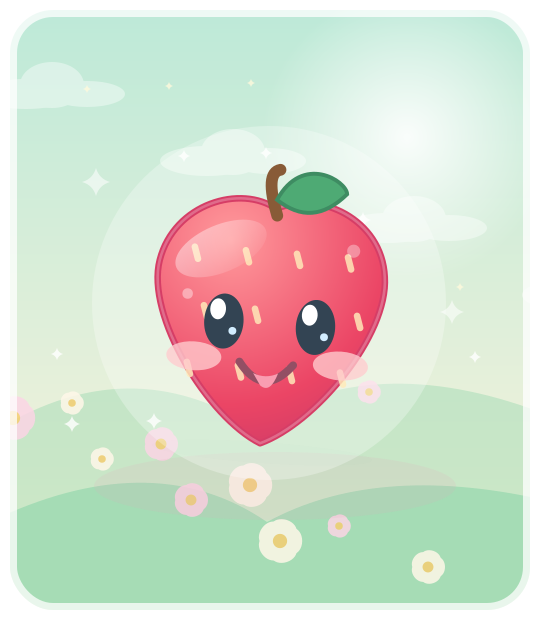
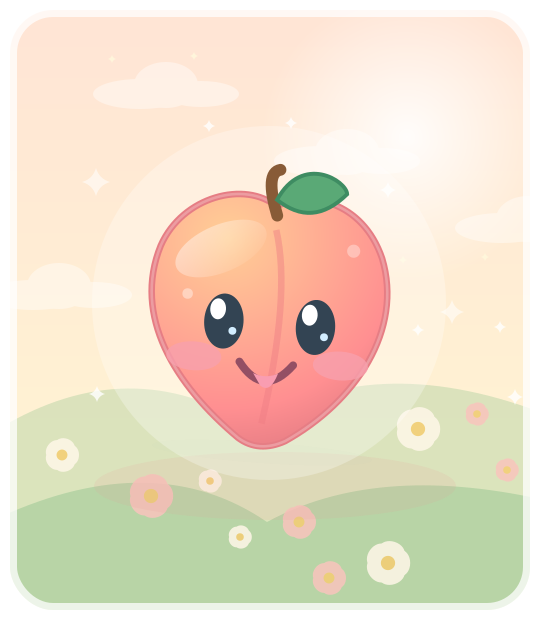
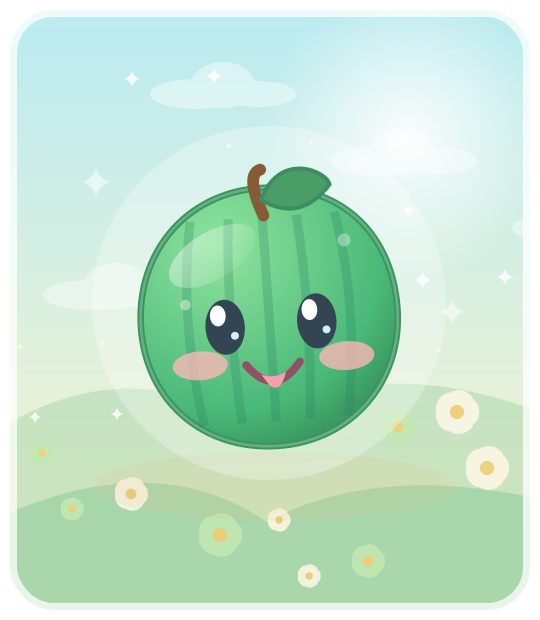
Fruit Blender Cute World
Drop cheerful little fruits, combine matching ones and discover four seasons, a collector's album and picture puzzles.
Play Fruit Blender Browser game · Android-friendly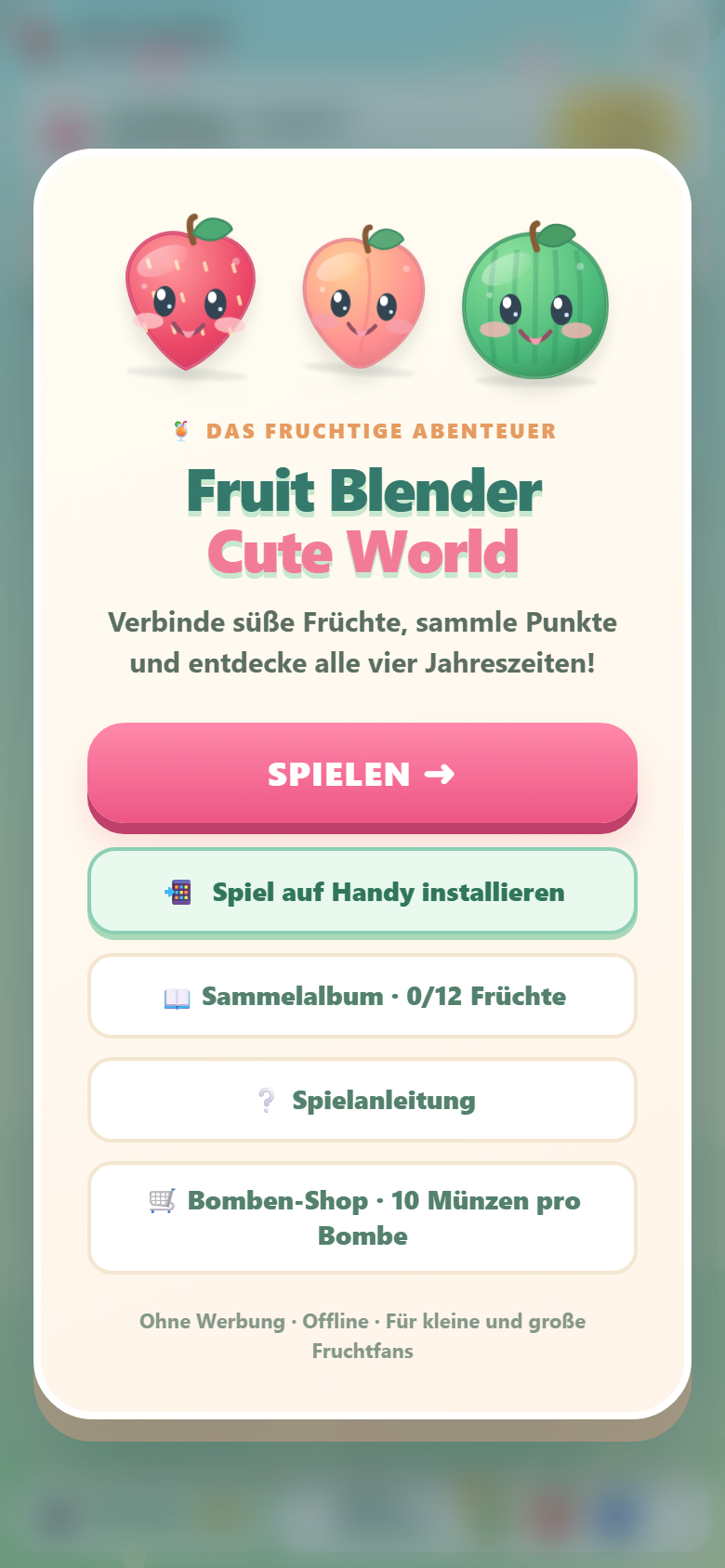
Prefer the Android app?
Download the signed Android test version 0.9 directly. It runs offline and supports German, English, Spanish and French.
Open the downloaded APK on your Android device. Android may ask you to allow installation from this source. This is a private test build, not a Google Play app.
Already have v0.8? Install v0.9 over it; you do not need to uninstall the old app.
Or play and install the browser version above, without an APK or Android security prompts.
From website to home screen
Open the game
Tap Play. Fruit Blender opens in your browser, without downloading an APK.
Install on your phone
In the game, tap “Install on phone”. Chrome or Samsung Internet offers an installation option or short instructions.
Play offline
Once the game files are saved, start it from its home-screen icon even without internet.